
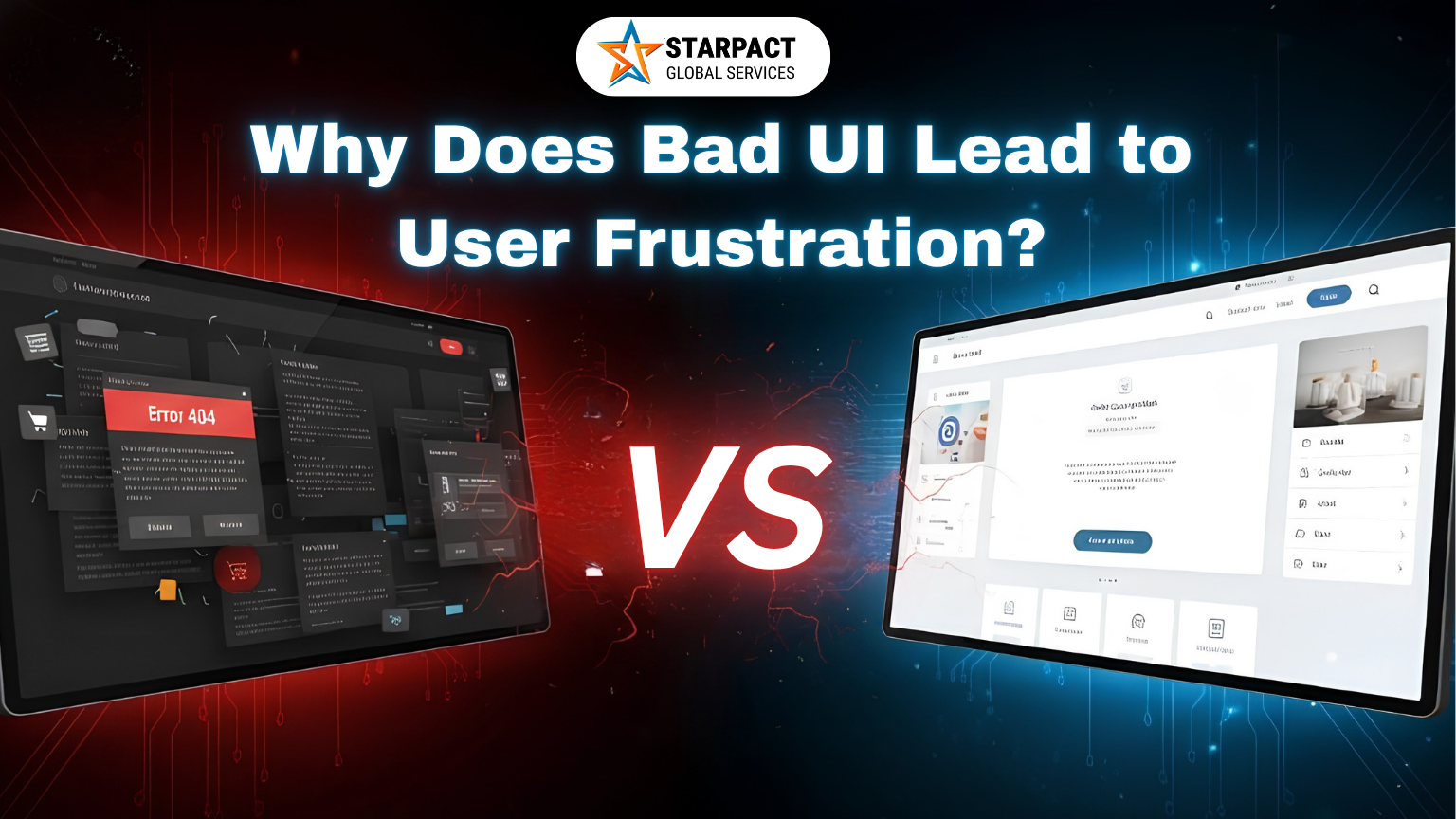
In today’s digital world, users expect websites and applications to be fast, intuitive, and easy to navigate. Whether it’s an e-commerce store, a business website, or a mobile application, the User Interface (UI) plays a crucial role in shaping the overall user experience. A poorly designed UI can quickly frustrate visitors, causing them to leave your website and potentially choose a competitor instead.
Understanding why bad UI creates frustration can help businesses improve customer satisfaction, increase engagement, and boost conversions.
User Interface (UI) refers to the visual elements and interactive components that users interact with on a website or application. This includes buttons, menus, forms, icons, navigation systems, typography, colors, and layouts.
A good UI helps users achieve their goals efficiently, while a bad UI creates confusion and obstacles.
Users should be able to find information quickly and easily. When navigation menus are cluttered, poorly organized, or difficult to understand, visitors become frustrated trying to locate what they need.
Example:
A customer visiting an online store cannot find product categories or the checkout page because the menu structure is confusing.
Result:
Higher bounce rates and lost sales.
Modern users expect websites to load within seconds. A slow interface, lagging buttons, or delayed responses can make users feel that the website is broken.
Example:
A user clicks a button multiple times because there is no immediate feedback.
Result:
Frustration and abandonment of the website.
When buttons, fonts, colors, and layouts vary across different pages, users struggle to understand how the website works.
Example:
A “Submit” button appears blue on one page and green on another, making users question whether they perform the same action.
Result:
Confusion and reduced trust in the brand.
With a significant percentage of web traffic coming from mobile devices, a website that isn’t mobile-friendly can drive users away.
Example:
Text is too small to read, buttons are difficult to tap, and pages require constant zooming.
Result:
Negative user experience and lower engagement.
Too much information, excessive pop-ups, and crowded designs can overwhelm users.
Example:
A homepage filled with banners, animations, advertisements, and multiple call-to-action buttons.
Result:
Users don’t know where to focus and may leave the website.
A poor user interface doesn’t just frustrate visitors—it directly affects business performance.
When users encounter obstacles, they often leave and choose a competitor that offers a smoother experience.
Create a clear menu structure with logical categories. Users should reach important information in just a few clicks.
Optimize website performance to ensure quick loading times.
Use a consistent design system throughout the website.
Ensure the website functions flawlessly across all devices.
Focus on simplicity and usability.
Successful UI design is built around the needs and expectations of users. By conducting usability testing, gathering user feedback, and continuously improving the interface, businesses can create digital experiences that are enjoyable, efficient, and frustration-free.
A well-designed UI not only improves customer satisfaction but also increases engagement, conversions, and long-term brand loyalty.
Bad UI creates unnecessary obstacles that prevent users from achieving their goals quickly and efficiently. From confusing navigation and slow performance to poor mobile experiences and cluttered layouts, every design flaw contributes to user frustration and lost business opportunities.
Investing in thoughtful, user-centered UI design helps businesses deliver seamless experiences that keep visitors engaged and encourage them to take action.
At Starpact Global Services, we specialize in creating modern, user-friendly, and conversion-focused websites that combine exceptional UI and UX design principles. Our team helps businesses build digital experiences that not only look professional but also improve customer satisfaction, engagement, and business growth. If you’re looking to redesign your website or create a new digital platform that users love, Starpact Global Services is here to help transform your vision into a seamless online experience.
Got a new domain? Let’s talk websites, design, apps—or even just sort out hosting stuff. Pick a time that suits you, and we’ll jump on a quick 15–30 min call. Easy!